Free Mimic Party APK: watch out for fake downloads
Since Mimic Party came out in late August 2026, searches for "Mimic Party APK" and "Mimic Party free" have exploded, and fake downloads along with them. The studio, FoliesApp, warns that copies are going around. Here's how to spot the real app, what you risk with a fake one, and how to play the same kind of game with nothing to install.
In short
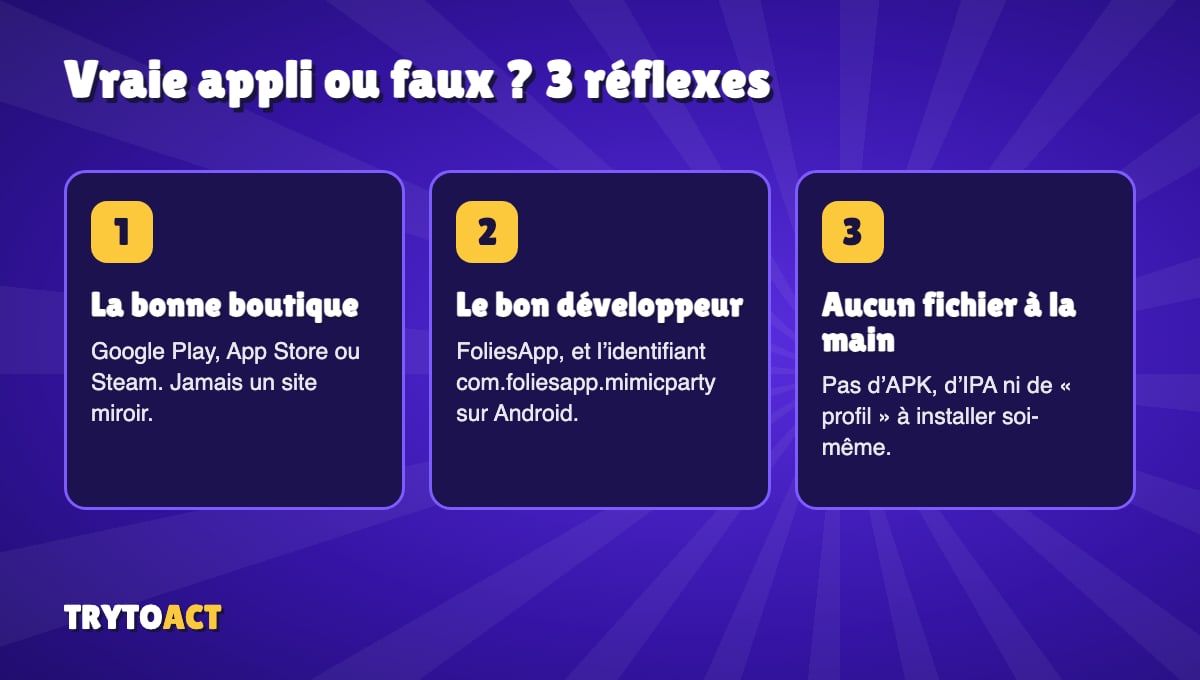
There is no official Mimic Party APK outside the Google Play Store, and no IPA or profile to install by hand on iPhone. According to FoliesApp's official page, any APK mirror or lookalike app is a fake. The real Android app has the package name `com.foliesapp.mimicparty`, the real iPhone app has the Apple ID 6813545317, and the PC version is sold on Steam. To play for free without downloading anything, use a browser game like TryToAct's Battle mode.
What the studio says
FoliesApp spells it out on its page: on Android, copies are already going around, as re-uploaded APKs and clones published under other developer names. On iPhone, the fakes promise an IPA file or a "profile" to install by hand. The studio's FAQ is clear: every APK mirror and every app that looks like the game is a fake.
The official links, and nothing else
- Android (Google Play)
Free with in-app purchases.
- Package name
- com.foliesapp.mimicparty
- Developer
- FoliesApp
- iPhone and iPad (App Store)
Free with in-app purchases.
- Apple ID
- 6813545317
- Developer
- FoliesApp
- PC (Steam)
Paid version for Windows.
- Platform
- Windows
- Store
- Steam
The studio lists no Mac version and no official browser version. A site offering to let you "play Mimic Party online" is not FoliesApp's game, even if it uses the name.
What you risk with a fake APK
An APK downloaded outside the Play Store skips Google's checks. At best, it's an empty shell stuffed with ads. At worst, the app asks for permissions that have nothing to do with a game (SMS, contacts, accessibility) to steal accounts or sign you up for premium-rate subscriptions. On iPhone, installing a "profile" gives a stranger control over your phone: that's even riskier.
For the warning signs to look out for, the UK's National Cyber Security Centre keeps up-to-date advice on securing your phone and the apps on it.
4 habits to avoid getting fooled
• Only use your device's official store: Google Play, the App Store or Steam.
• Check the developer's name: it must be FoliesApp. A clone often uses a similar or generic name.
• Be wary of promises: "free with no purchases", "unlocked", "free PC version"… the real game offers none of those.
• Never install a file by hand (APK, IPA, configuration profile) for a mainstream game.
Did you just want to play for free?
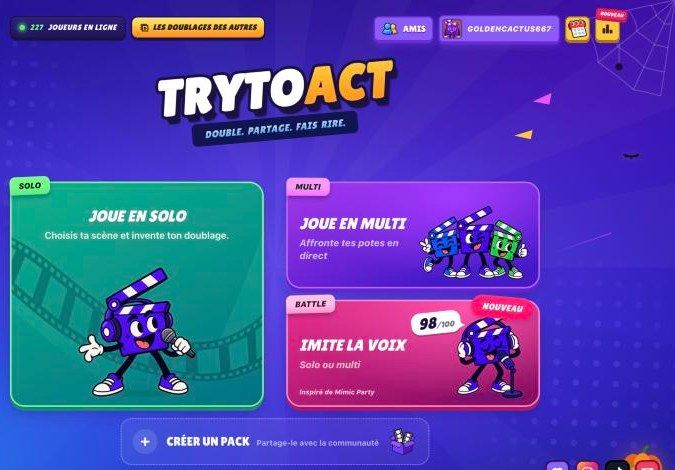
That's often the real reason behind a "Mimic Party APK" search: you don't want to pay on Steam, or your phone isn't compatible. In that case, the safest option is a game that runs in your browser, with nothing to install. TryToAct's Battle mode uses the same idea (one sound, one take, one score), for free and with up to 12 players. We compared it honestly with Mimic Party in our article on the free alternative.
Frequently asked questions
Is there an official Mimic Party APK?
No. The only official Android version is the one on the Google Play Store, published by FoliesApp under the package name com.foliesapp.mimicparty. According to the studio, any APK offered elsewhere is a fake.
Is Mimic Party free?
It is free with in-app purchases on Android and iPhone, and paid on Steam for PC.
Can I play Mimic Party on a Mac?
The studio lists no Mac version. To play the same kind of game on a Mac, a browser game like TryToAct's Battle mode works with nothing to install.
I installed a fake APK. What should I do?
Uninstall the app, change the passwords of the accounts used on the phone and check your subscriptions. The UK's National Cyber Security Centre explains how to secure your phone afterwards.